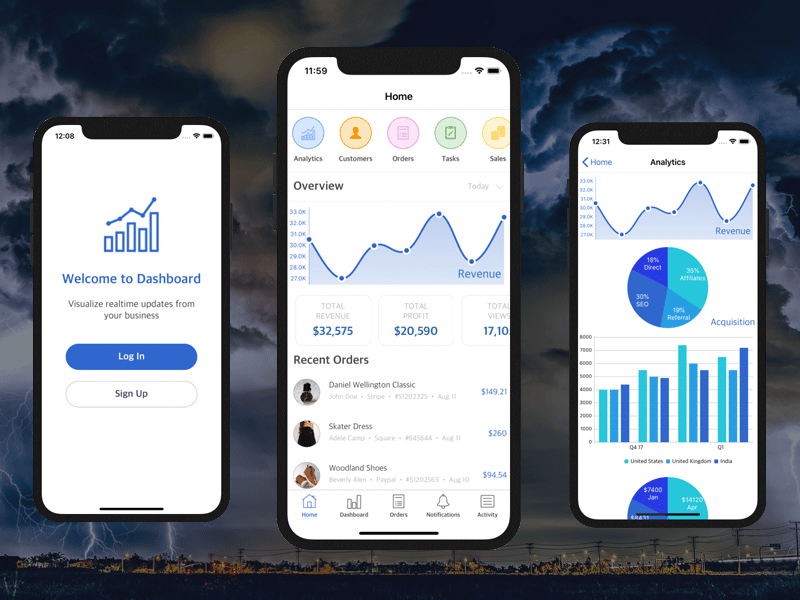
iOS Dashboard Design Template in Swift
In this article we discuss how to set up our Dashboard iOS App Template and make customizations so your final app is unique. The product is a fully functional app with complete source code and a beautiful design.
First, build & run the downloaded Swift project in Xcode. See our guide on how to run Xcode projects — the template uses Cocoapods, so run pod update/pod install first.
Second, wire up your Firebase account. Replace the included GoogleService-Info.plist with the one from your Firebase Console and follow the Firebase Integration tutorial.
Key classes:
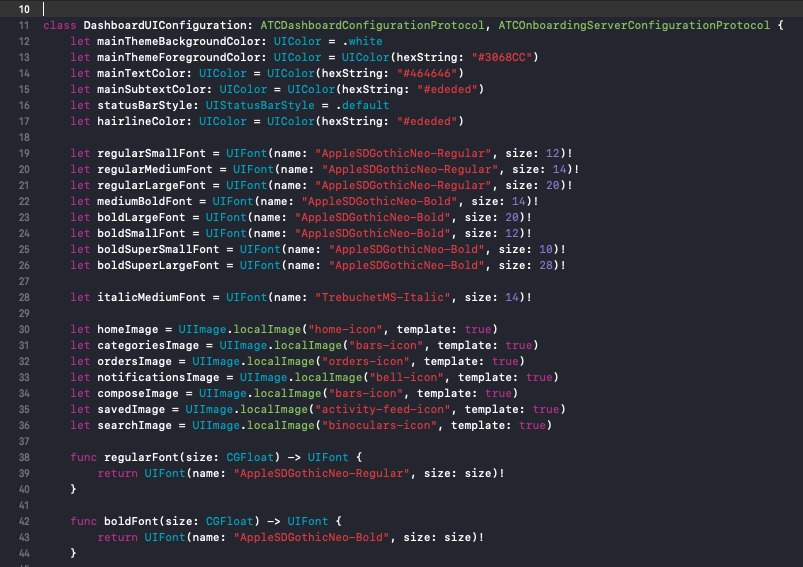
ATCDashboardHostViewController— main host controller (change navigation, screens, or menu)DashboardUIConfiguration— theme and UI elements (colors, fonts, nav UI)ATCDashboardMockStore— static data provider for orders, charts, walkthroughs, etc.
Main screens:
- Home →
ATCDashboardHomeViewController - Categories →
ATCDashboardCategoriesViewController - Notifications →
ATCNotificationsViewController - Activity Feed →
ATCDashboardFeedViewController - Orders →
ATCDashboardOrdersViewController
The template uses adapter pattern for heterogeneous collection views (models, adapters, cells). To move or add components like charts, update the array that defines the components for the view controller.

Customize the walkthrough flow by editing ATCDashboardMockStore.swift.

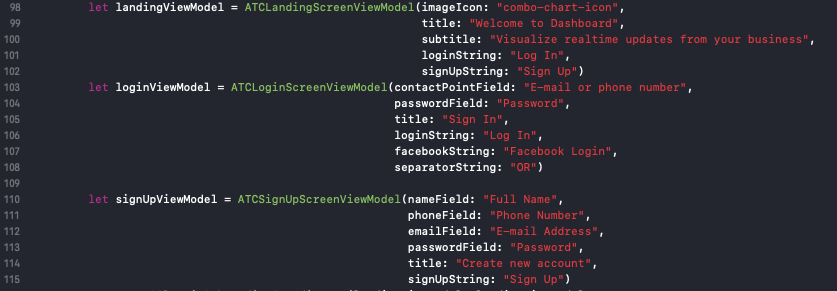
Customize landing screens and onboarding UI via the onboardingCoordinator and DashboardOnboardingUIConfig.
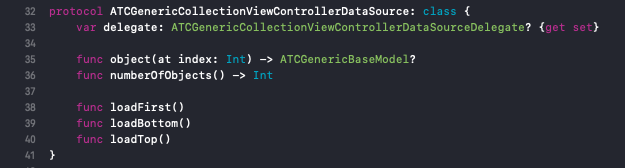
To display remote data, implement a class conforming to the app's data source protocol and plug it into the generic view controllers.