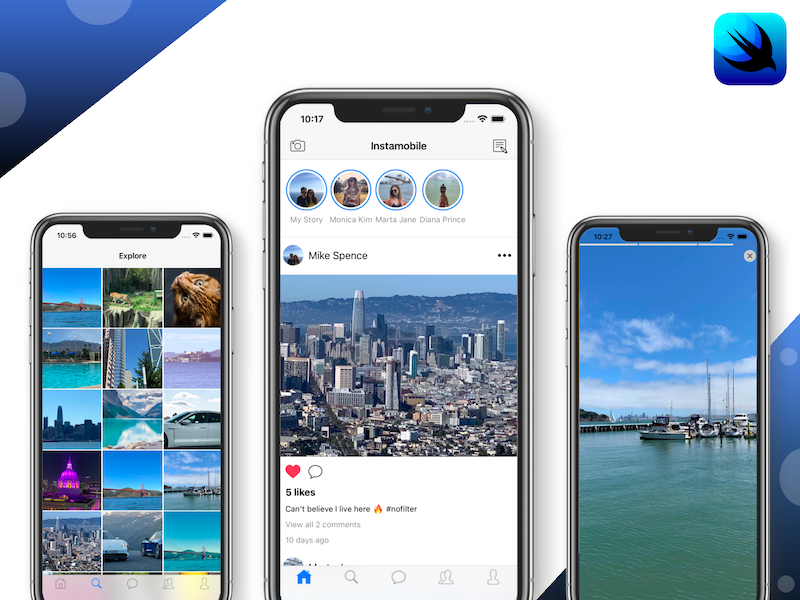
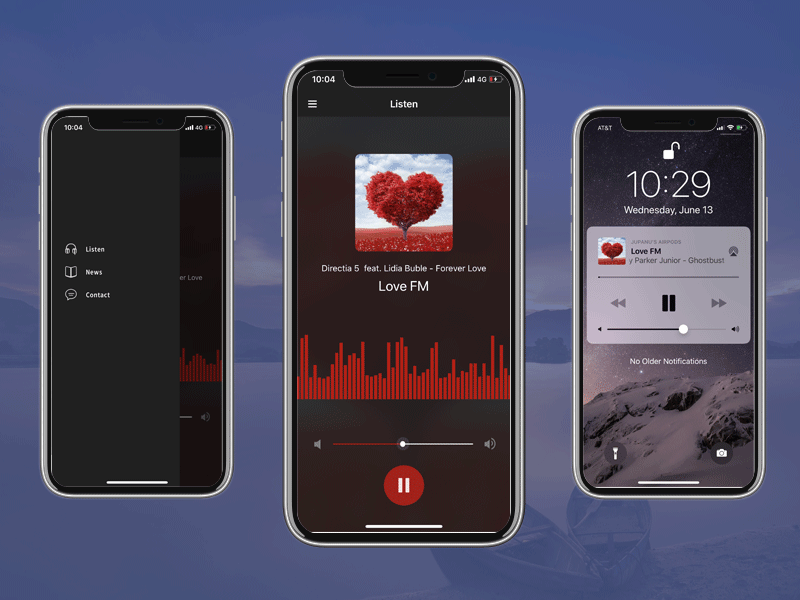
Free Swift iOS Chat with Firebase
Accelerate Your Development with a Reliable Open-Source Foundation: A Lightweight Swift Chat Engine Powering Real-Time Firestore Synchronization and Secure Firebase Authentication.
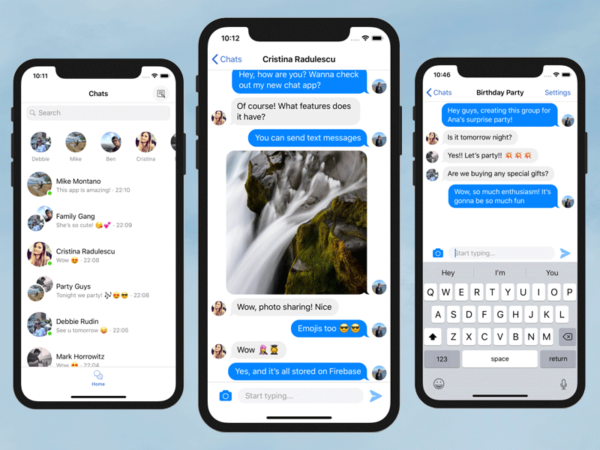
Kickstart your messaging app with this free Swift iOS Chat template. Built with MessageKit and Firebase Firestore, it features real-time sync, photo sharing, and an MIT license. A lightweight, high-performance starter for modern chat apps.
All Access Access
5+ Preview Screens
Included Source Code
Commercial License
Trusted by 150,000+ developers and 5,500+ paid customers.
1 / 5


Slide 1 of 5
Why Buyers Trust Dopebase
500,000+
Downloads
150,000+
Developers
5,500+
Paid customers
Customer Feedback
“Xcode projects were ready to run and easy to adapt for our needs.”
Marcus Wright
iOS Engineer
Get this template with All Access
Subscribe to unlock Free Swift iOS Chat with Firebase plus the full iOS App Templates catalog. Product pages now support subscription checkout only.
Inside This Template
See what you get before digging into the full technical details
Overview
You get the full Swift codebase, running in Xcode.
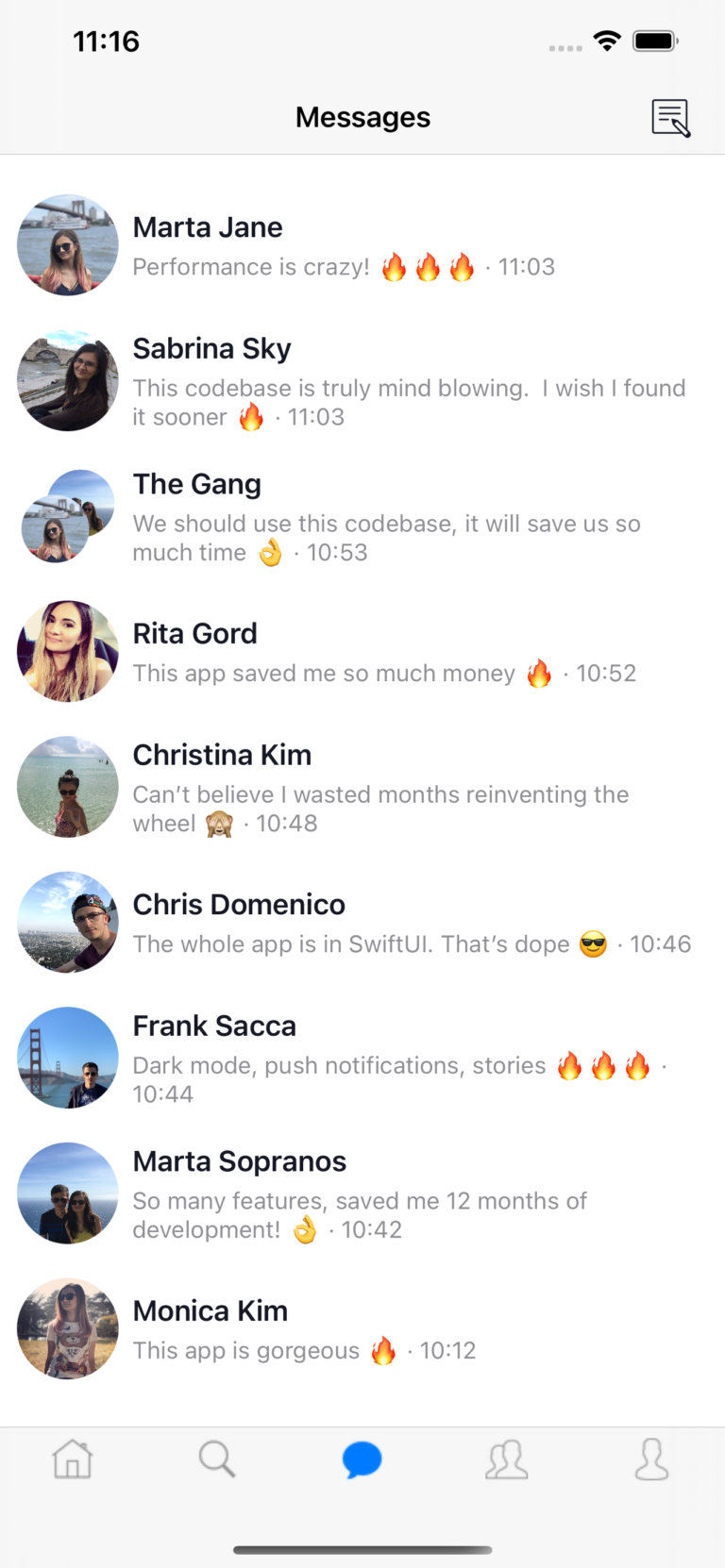
User Lists and Chat Threads Real-time synchronization with Firebase Firestore Text messages Photo messages Inline Editor to send messages Profile photos support Layout Firebase Auth, Firestore and Storage Compatible with latest version of Xcode and SwiftUI
What You Get
- Swift iOS Chat with Firebase, inspired by Messenger You get the full Swift codebase, running in Xcode.
- Integrated with Firebase Auth & Firestore The iOS project is already integrated with Firebase, to save you a few days of work and headache.
- UI Layout The iOS source code contains the implementation for the entire UI.
- Github Project You get access to our open-source Github project.
- Comprehensive Documentation Step-by-step documentation that covers everything you need to get started.
- MIT License Use this project without license restrictions.
Key Highlights
- User Lists and Chat Threads
- Real-time synchronization with Firebase Firestore
- Text messages
- Photo messages
- Inline Editor to send messages
- Profile photos support
Full Details
Open the sections below for the full included list, feature breakdown, and technical details.