Banking App Template in Swift
In this tutorial, we are going to learn how to customize our finance app template, in order to make it ready to be published to the App Store. Let’s build your own banking app template by customizing the user interface, adding your backend to feed the financial data, and changing the branding elements to fit your company or startup. For most UI customizations there’s no coding required. You will need to know how to code if you’re looking to add your own backend.
How to integrate my own backend server?
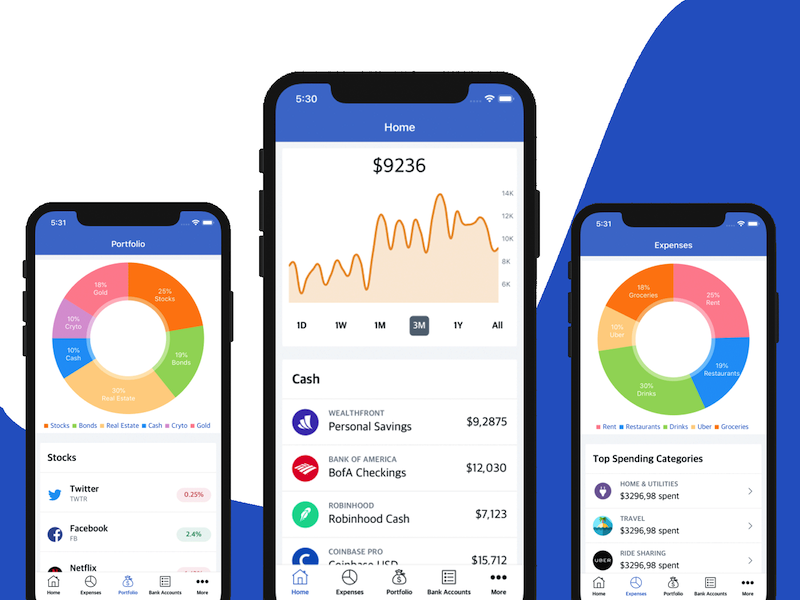
All the data sources are provided in FinanceDataSourceProvider. Right now, most of them return static data, which is the data you can see in the app templates. For example:
var portfolioCashDataSource: ATCGenericCollectionViewControllerDataSource {
    return ATCGenericLocalHeteroDataSource(items:
        [CardHeaderModel(title: "Cash")] +
            FinanceStaticDataProvider.portfolioCashAccounts
    )
}
So this returns all the cash accounts from a static array (portfolioCashAccounts). The data source returning static data is called ATCGenericLocalHeteroDataSource. To integrate your own networking layer (for example, a backend server) you only need to replace that data source with your own implementation.
You can either create a new data source class that conforms to the ATCGenericCollectionViewControllerDataSource protocol, or you can use existing data sources, such as ATCFirebaseFirestoreDataSource, which we’ve already written for you (at the very least you can use it as an example to see how network requests are made and how results are processed and returned).